


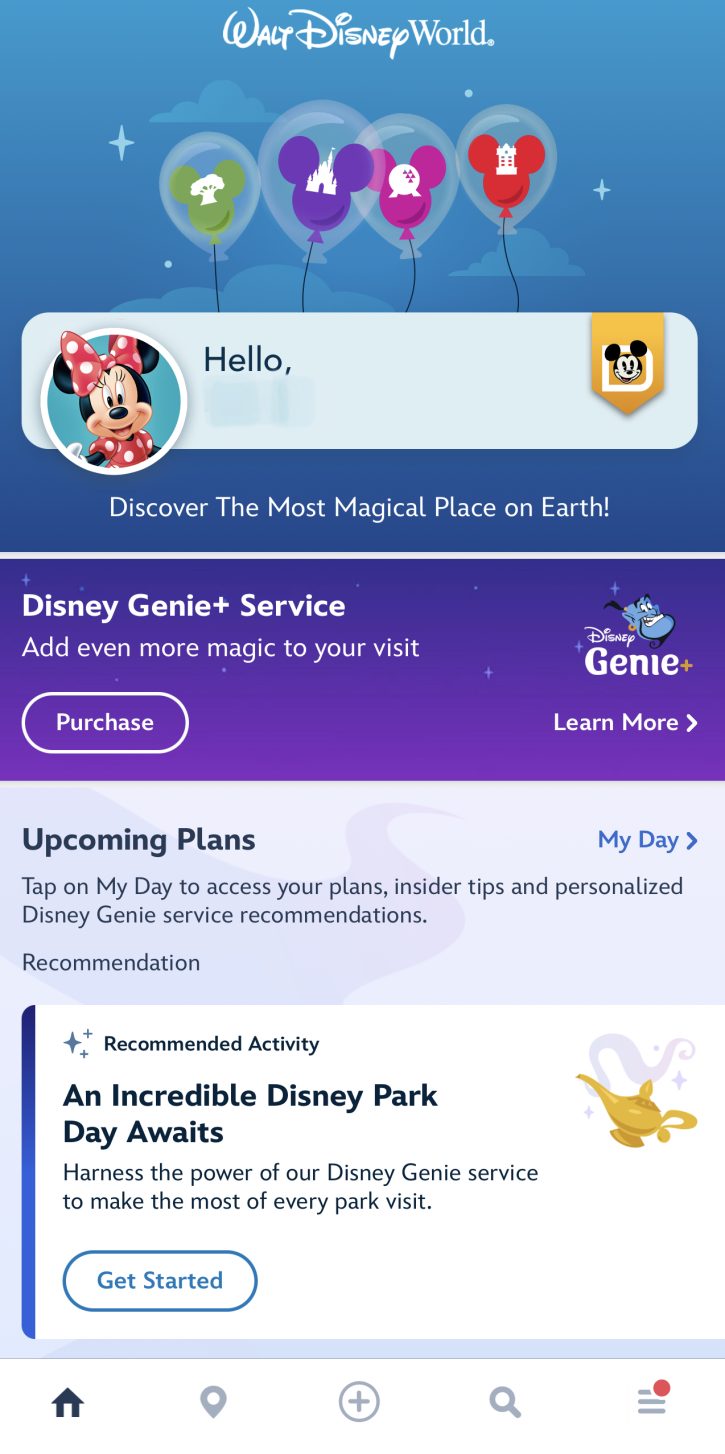
In 2013, Walt Disney Parks and Resorts took the entire Disney guest experience to the next level. They did this by rolling out a collection of tools at the Walt Disney World Resort called MyMagic+. This handy tool gives guests mobile options for trip planning. A major component of MyMagic+ is the My Disney Experience website and mobile app. Both of which offer guests the latest information on all that theWalt Disney World Resort has to offer.
My Disney Experience gives guests the flexibility to plan as much or as little as they’d like to create the exact Disney experience they want. They can book dining and other experiences and reserve times for their favorite attractions, shows, and more through an enhanced Disney Genie and Disney Genie+. Once guests arrive, they can use their smartphones to change their plans in the moment spontaneously. Guests can also use the My Disney Experience system to connect with family and friends to coordinate plans and share photos.
My Disney Experience App Free Wifi Shop Parks App Play Parks App Mobile Websites Social Media
My Disney Experience App
This app is a mobile application created by Walt Disney Parks and Resorts Online that is currently available for free for the iPhone/iPod touch and iPad in Apple’s iTunes Store and Android smartphones at Google Play. My Disney Experience is designed to help guests make the most of their experience while visiting the Walt Disney World Resort. Below are some of the highlights of the current app.
- The app includes state-of-the-art maps with GPS and in-park navigation that provide a vivid, accurate representation of the theme parks, resorts, and other on-property points of interest.
- My Disney Experience also includes park hours, wait times, dining (menus, availability & ability to make reservations) and attraction information, a digital tip board and character locations, and appearance times.
- Here & Now feature, which instantly shows attractions and events closest to your current location.
- Times Guide provides a simple look at key events and activities going on within the park. Guests can browse entertainment, including parades, fireworks, stage shows and performance times
- Some of the features require Guests to create an account and sign in to activate the functionality.
- Build and manage your personalized itinerary in My Plans. This includes dining reservations, personal notes, and reminders, and view your reserved activities for the day.
- Share plans with others through Family & Friends.
- Scan your tickets and passes with your phone or tablet to link them to My Disney Experience
- View PhotoPass Photos. Guests with Memory Maker may also download photos to their mobile devices
Here are several handy features of the My Disney Experience App:
- While actually at the Walt Disney World Resort, guests can get information about attractions, restaurants, and other services, such as restrooms and baby care centers, located close to their location.
- Making dining reservations is as easy as clicking the restaurant of your choice on the map (or using the ‘Dining’ tab), selecting a time frame, and choosing one of the available times offered. Please be advised that to make the actual reservation, you will need a Disney.com account.
- You can use the Mobile Ordering option to order food at Quick-service dining locations around Walt Disney World. This way, your food is waiting for you when you arrive!
- The Characters tab lists Disney characters alphabetically and tells Guests where they can meet them.
- The Dining tab lists restaurants nearby and includes links to view menus and to make reservations.
- The Restrooms tab helps Guests quickly find the nearest facilities.
- Using the Entertainment tab, Guests can find offerings throughout the day. They can then add it to their itinerary to generate a reminder before showtime.
- One particularly handy feature is the ability to sort characters and entertainment by schedule and attractions by wait time. Wait time categories include: no wait (0 min), short wait (5-30 min), moderate wait (35-60 min), and a long wait (65 minutes plus), as well as “open throughout the day.” Also available is specific attraction information such as height requirement and whether EVC or wheelchair boarding is available, along with the current wait times.
Complimentary Resort-wide Wi-Fi for Your App
Use of the MyDisneyExperience app while at Walt Disney World is now easier than ever. Disney has made complimentary Wi-Fi available throughout the entire resort. This includes all of its theme parks and at Disney Springs. In the theme parks, guests can select the network Disney – Guest. Once the network is selected on a wireless device and the terms of use are accepted, guests will be logged in. Guests will remain connected to the network in locations where the Wi-Fi is available and will not have to log in each time they wish to access the app. Cellular carriers AT&T, Verizon, Sprint, T-Mobile, and MetroPCS are covered for Wi-Fi access. To connect using apple devices, you will need an iPod touch version 4 or 5, and iPhones need to be 3GS or newer with a 3.0 operating system or newer.
Shop Disney Parks
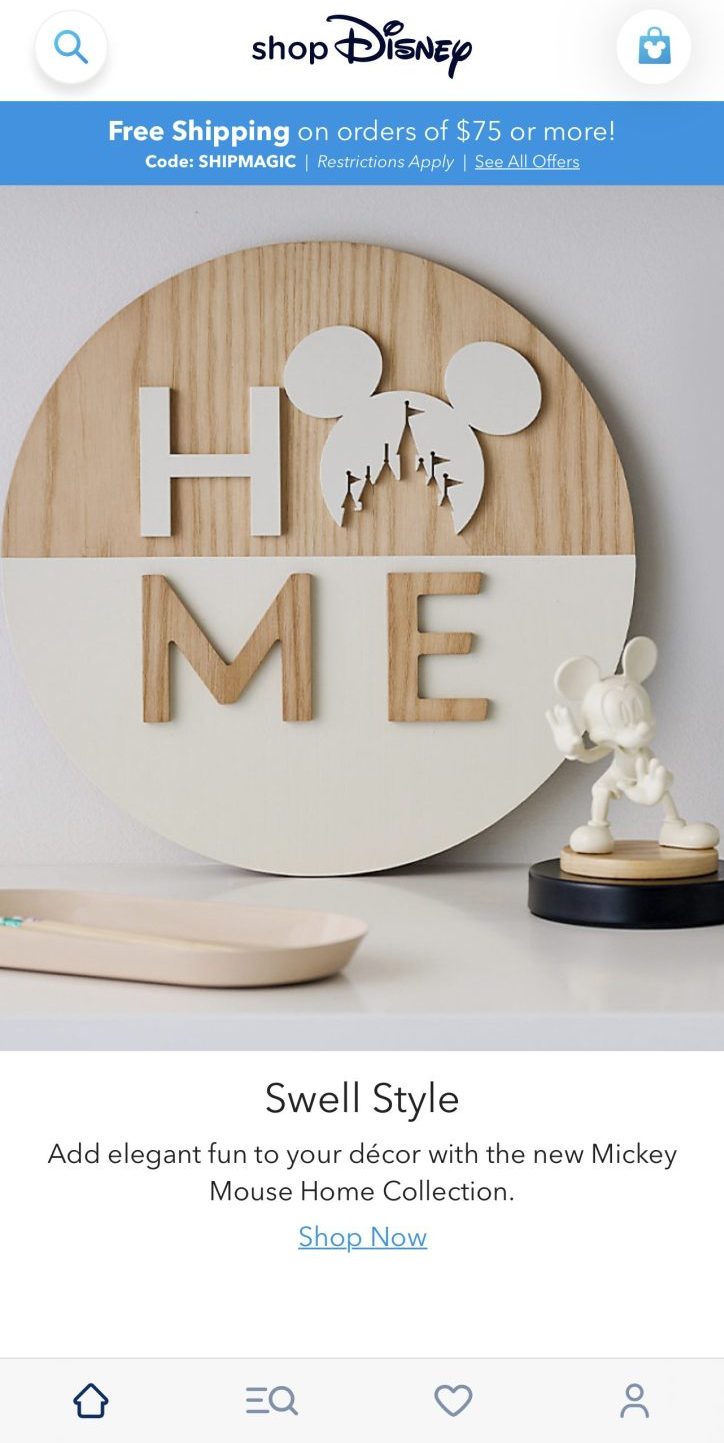
Shop Disney Parks is a free mobile app. It allows guests to find, buy, and ship merchandise offered at Walt Disney World and Disneyland. Items are shipped directly to the purchaser’s home. Shipping is available to all 50 states. The app is available in the Apple App Store and Google Play.
Play Disney Parks App
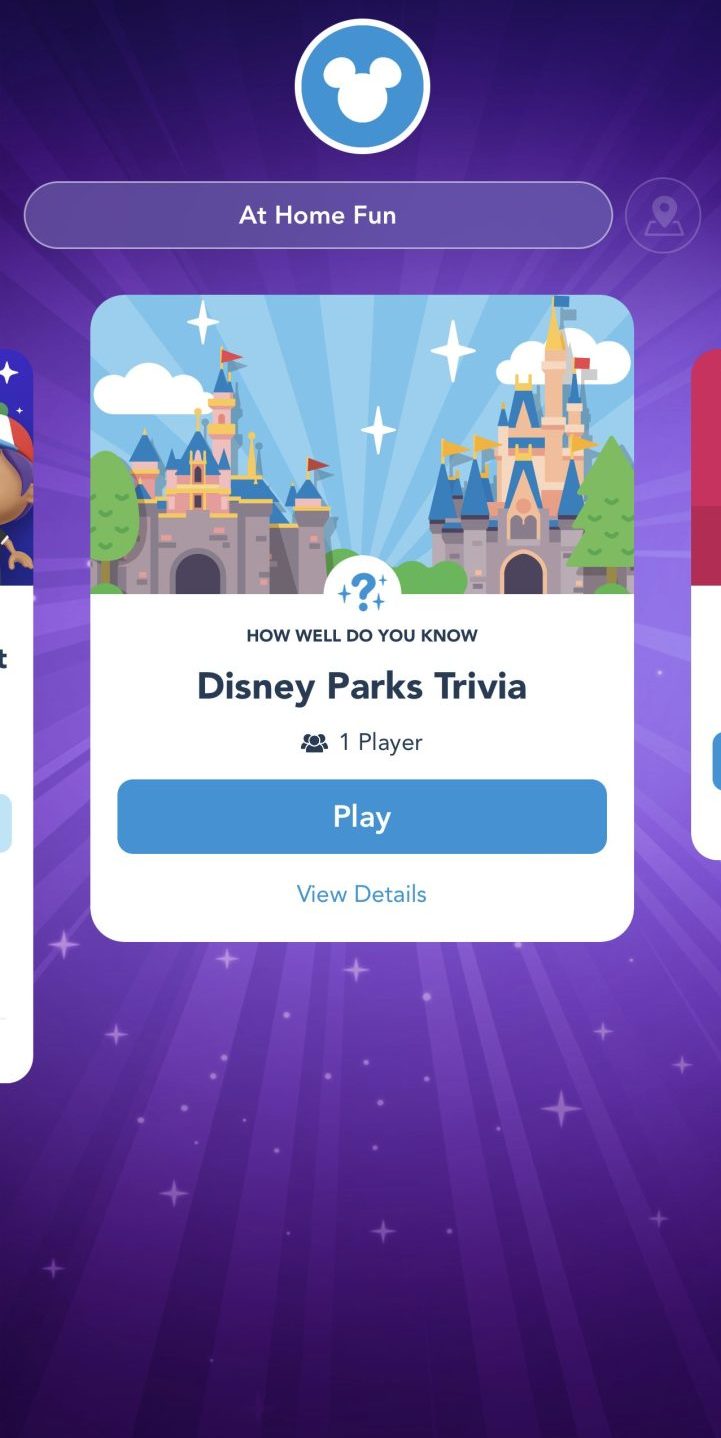
The Play Disney Parks App is a fun app designed to be used in Walt Disney World or Disneyland. Using this app, you can get achievements as you experience attractions. You can also play small games and answer trivia questions about places in the parks. One of the excellent features of the app is that you can play games while waiting in line for an attraction. This app is available from the Apple store or the Google Play store.
Mobile Websites
Mobile Websites: Disney has also created two websites m.disneyland.com and m.disneyworld.com–both designed to deliver information such as that found on disneyworld.com but optimized to work on cell phones and mobile devices. Minus the GPS ability to locate the position, users will be able to access park hours, entertainment schedules, shopping, and dining information, and more with their browser-enabled phones at home or in the parks.
Mobile Online Dining Reservation System: Disney’s Online Dining Reservation System is simple to use, access the Disney Dining section on Disney’s web site from your smartphone. A user is directed to the optimized version when their phone type is detected. Users can search by time and date, cuisine, location (e.g., a specific restaurant, theme park, or hotel) and more. There’s also the ability to search for character and signature dining experiences. While at Walt Disney World, guests can also check for table-service availability at nearby restaurants using the location-based services on your supported device. Search disneyworld.com/dining from your supported browser. Choose to view “map view” of dining results or click on the “Near Me” link. You will need to sign in to your Disney.com account before making reservations.
Social Media:
Disney’s Social Media page gives information to help fans stay connected via social networks. Guests can connect on Facebook, Instagram, TikTok, Threads and YouTube and instantly find out what’s happening right now.
You can follow them at @WaltDisneyWorld or @DisneyParks.